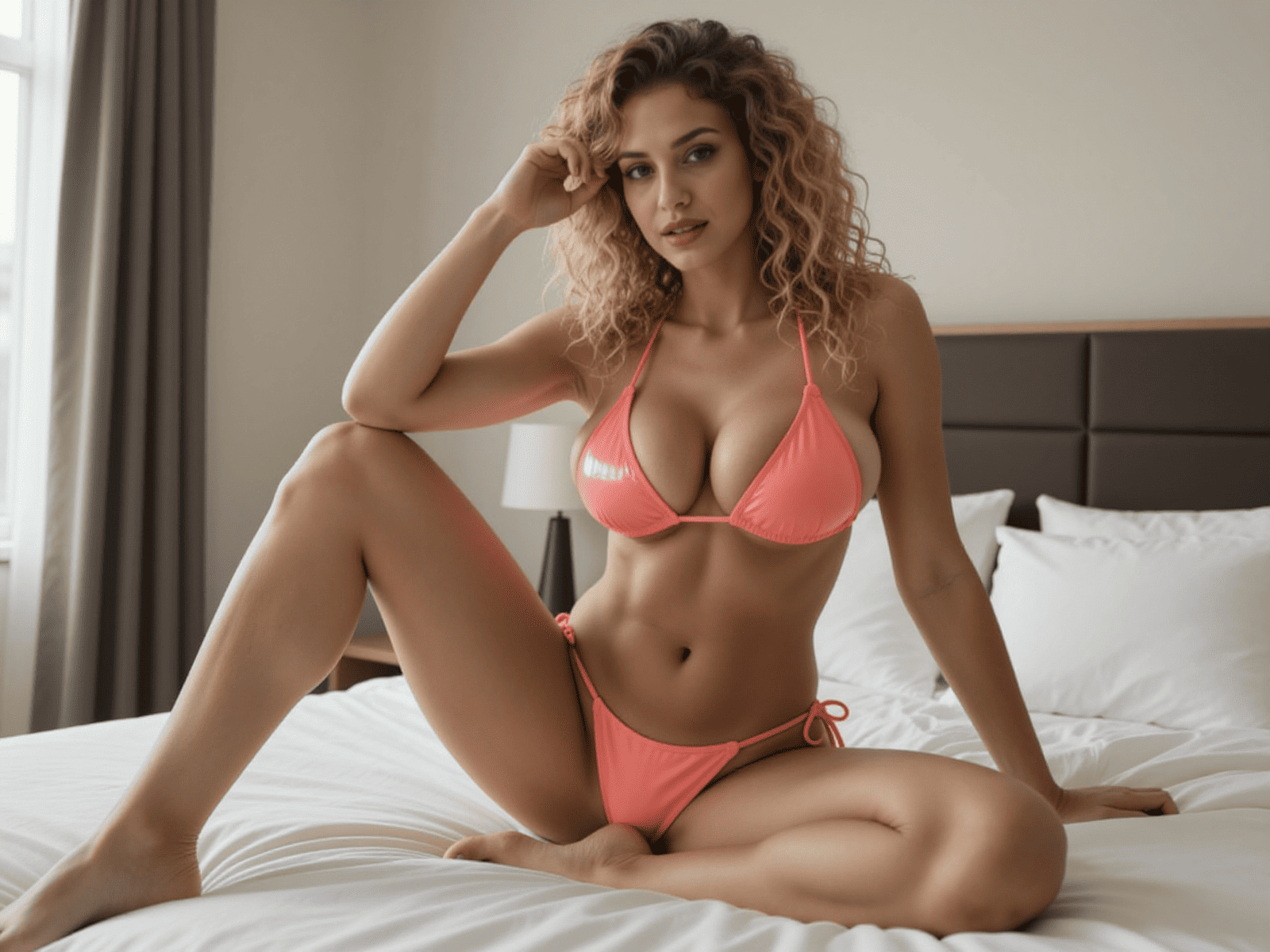
How to Turn an AI Girl Image into a Better Video
Prepare a clean source image, write motion-focused instructions, and avoid the common choices that make generated video unstable.
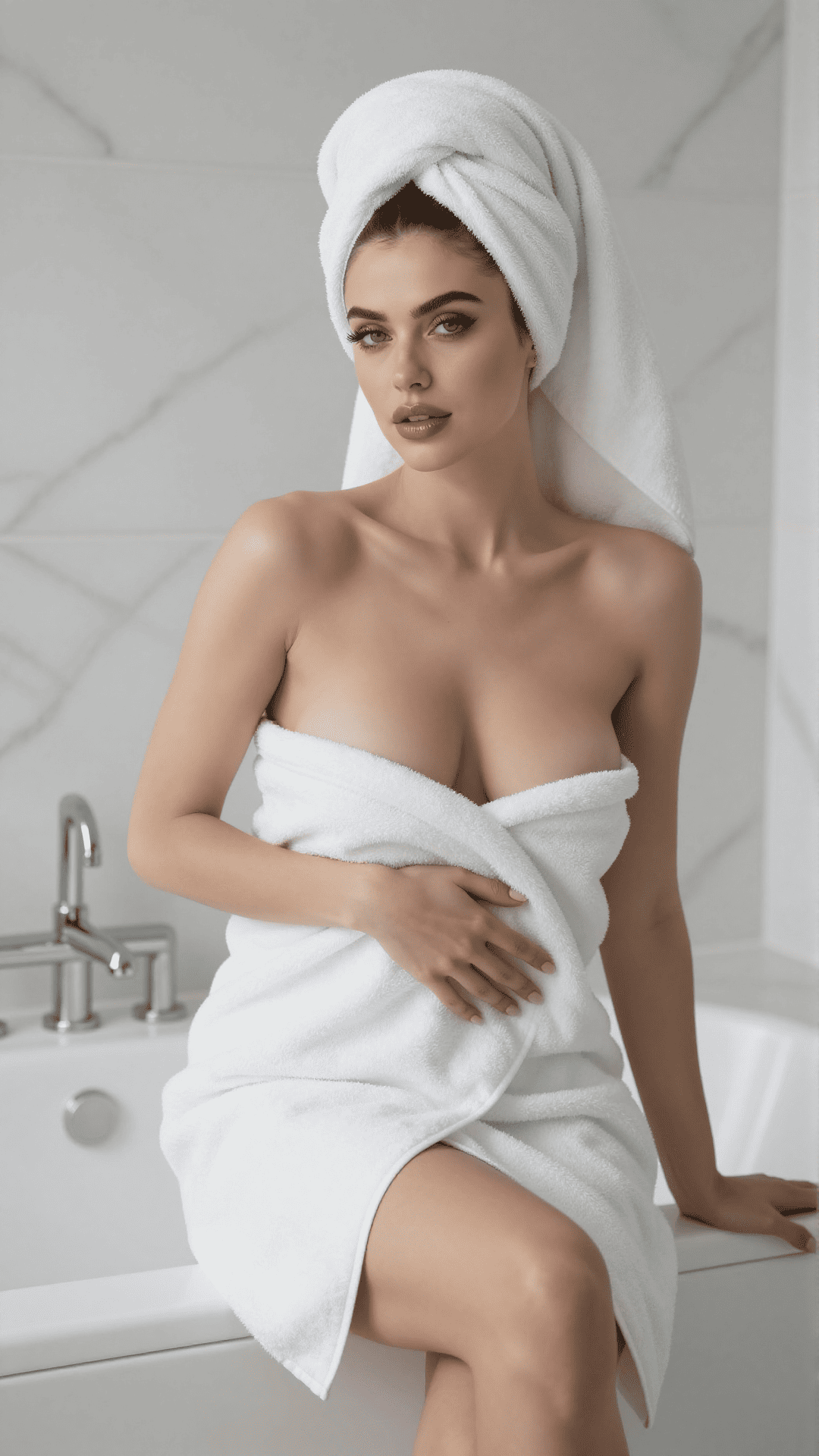
Image-to-video generation works best when the source frame already contains a clear subject and a believable direction for movement. Your motion prompt should choreograph that frame, not redesign it.
Choose a source image built for motion
Use a sharp image with one obvious subject, readable hands and face, and enough room around the body for movement. Heavy occlusion and crowded backgrounds give the model more opportunities to invent unstable details.
A three-quarter or medium shot is often a flexible starting point because it preserves facial detail while leaving space for natural head, shoulder, and camera movement.
Describe motion instead of appearance
The image already defines appearance. Use the prompt to describe action, timing, camera behavior, and environmental motion. Keep the movement physically compatible with the pose in the source frame.
- Subject motion: turns her head slowly and looks toward camera.
- Secondary motion: hair moves gently in a light breeze.
- Camera motion: subtle push-in with a steady frame.
- Timing: calm, continuous movement without abrupt cuts.
Start with one primary action
A short clip does not need a full scene change. One clear action with subtle secondary movement is easier to render consistently than several unrelated actions. Add complexity only after the basic motion works.
If a result feels unstable, reduce the amount of camera movement before changing the character action. Camera motion affects every visible object at once.
Review continuity, not just individual frames
Watch the face, hands, clothing edges, and background lines through the whole clip. A visually strong opening frame cannot compensate for identity drift or sudden geometry changes later in the sequence.