AI Girl Generators: A Practical Beginner's Guide
Learn how AI girl generators turn a short creative brief into polished images, and build a repeatable first workflow.
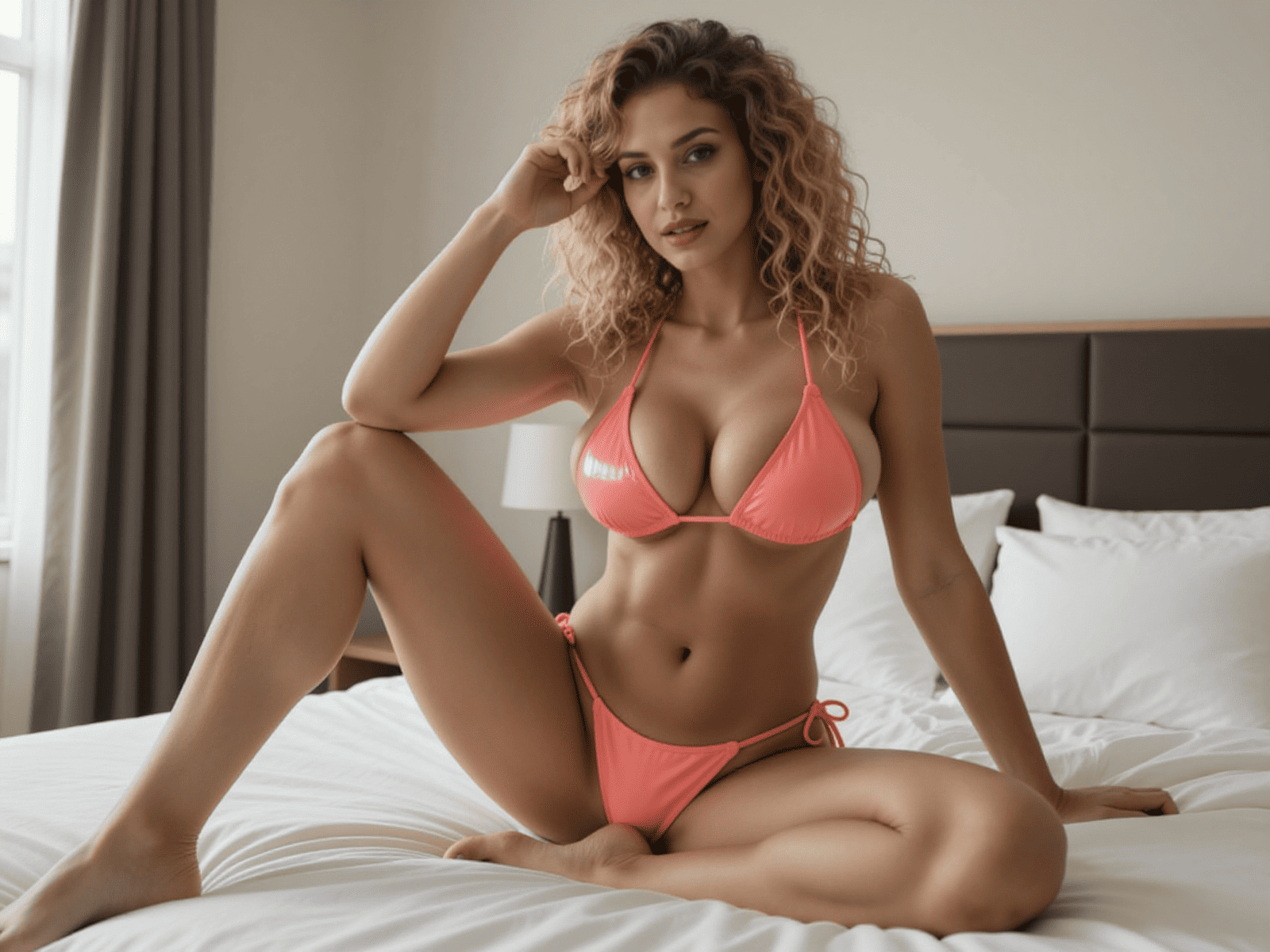
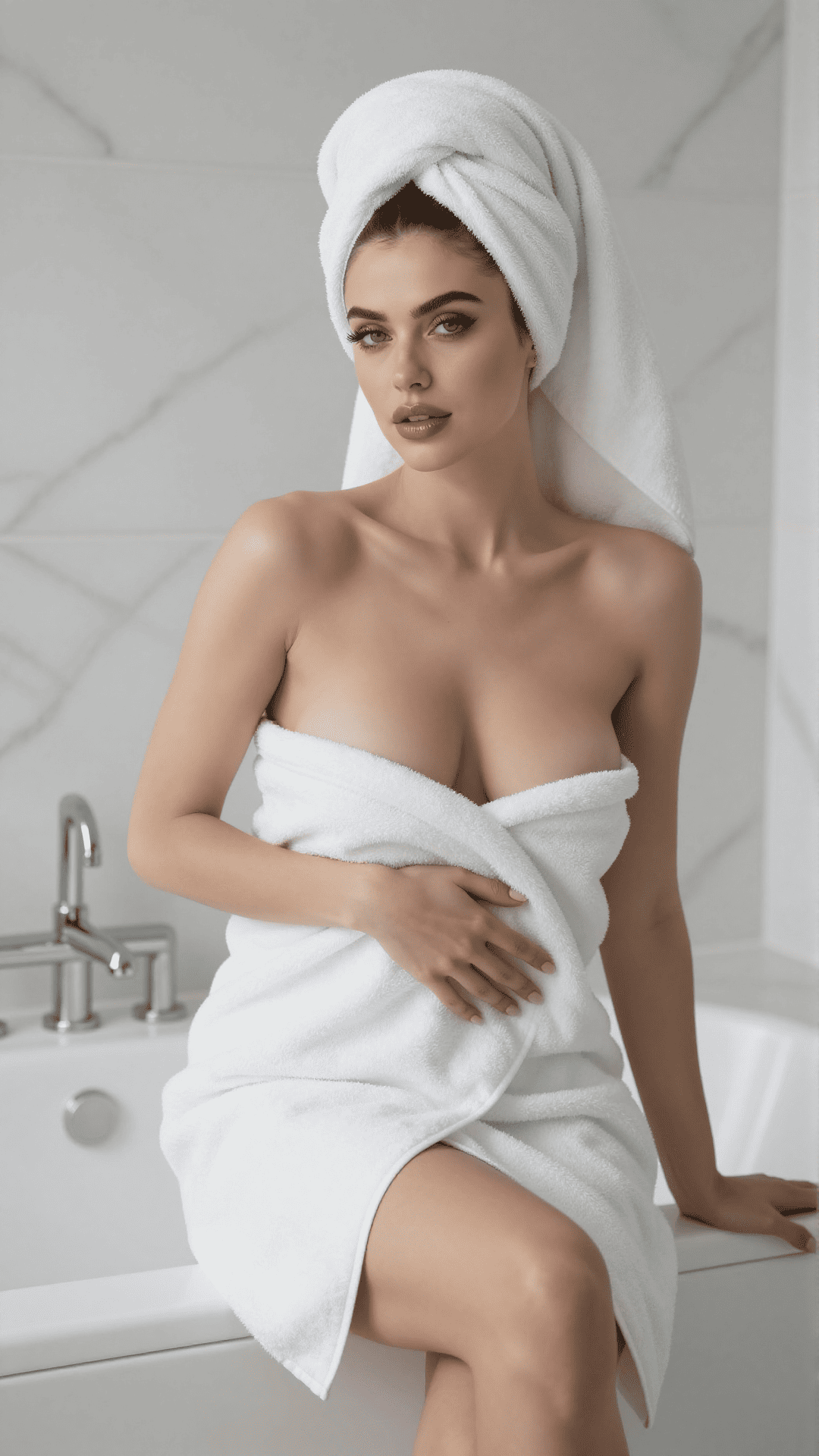
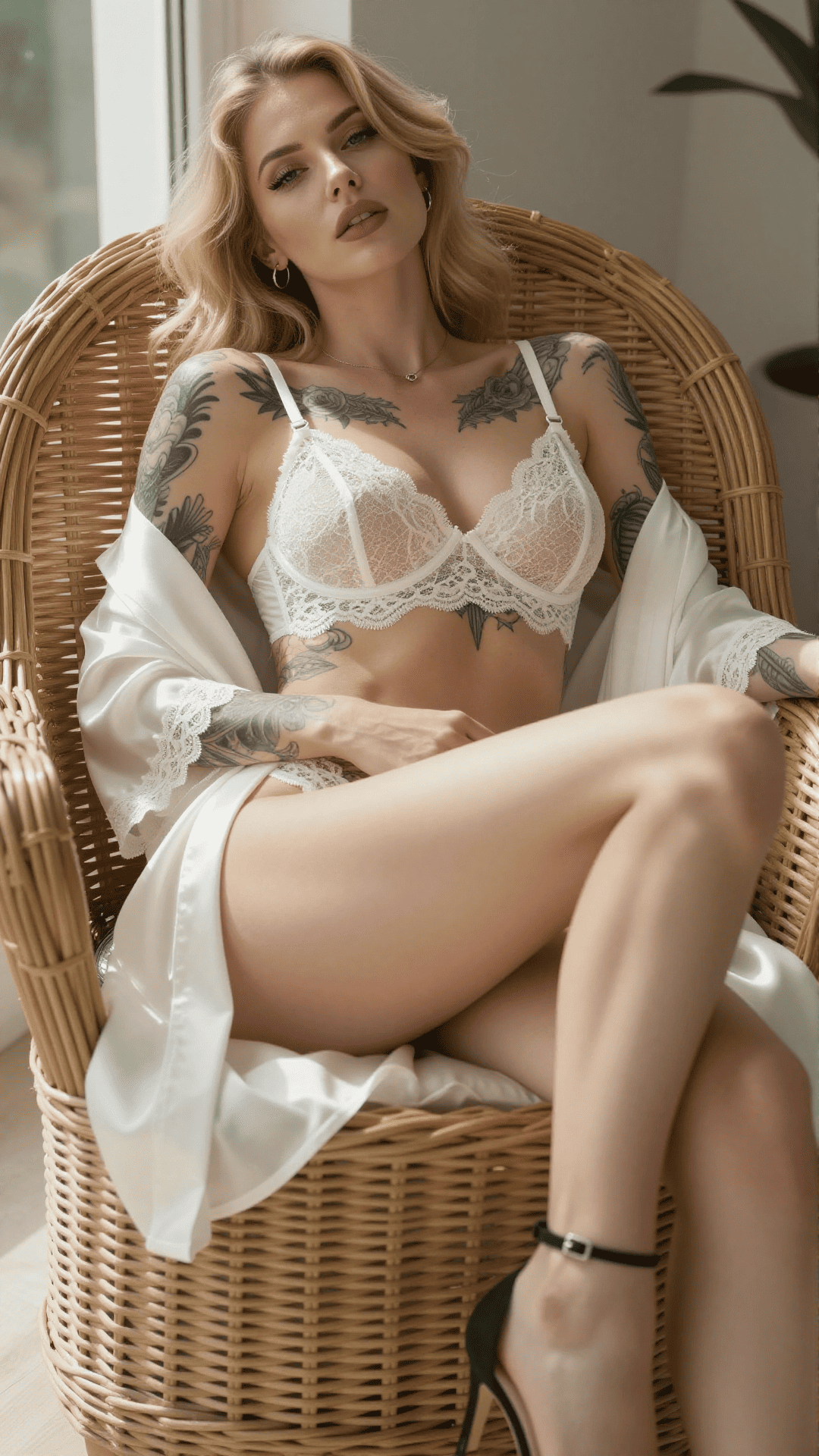
An AI girl generator is easiest to use when you treat it like a small creative studio: choose a subject, establish a visual direction, generate a few options, and refine the strongest result. This guide explains that workflow without burying you in model terminology.
What an AI girl generator actually does
The generator translates written instructions into a new image. Your prompt describes the person, styling, setting, lighting, and composition; the model interprets those choices together rather than as isolated commands.
The first result is best understood as a draft. Strong creators keep the parts that work, adjust one or two details, and generate again. That short feedback loop produces more consistent results than rewriting everything after each attempt.
Start with a five-part creative brief
A useful prompt gives the model a clear hierarchy. Begin with the subject, then add appearance, wardrobe, environment, and the way the scene should be photographed or illustrated.
- Subject: who is in the scene and what they are doing.
- Appearance: hair, expression, build, and defining details.
- Styling: clothing, accessories, and visual genre.
- Environment: location, time of day, and background details.
- Camera: framing, lens feel, lighting, and depth of field.
Change one variable at a time
When a result is close, isolate the problem. If the face works but the scene feels flat, adjust only the lighting or camera direction. If the pose works but the styling does not, keep the composition language and revise the wardrobe.
Saving successful prompt fragments also helps. A lighting phrase or framing instruction that works well can become part of your personal starting template.
Move from a still image to a complete scene
Once you have a strong base image, you can create variations for a set or use the image as the first frame of a video. Plan that next step early: leave visual space for movement and avoid overly complex backgrounds when animation is the goal.