Image-led video creation
AI Girl Image to Video, Built for Better Motion
Upload an AI girl image, describe the movement you want, and turn a still portrait into a short video while keeping the character and composition recognizable.
- Start from your own finished AI girl image
- Guide expressions, body movement, and scene motion
- Add simple camera direction without editing software
Drag & Drop / Click to upload
Drag and drop your image here, or click to browse files to begin!
From still to motion
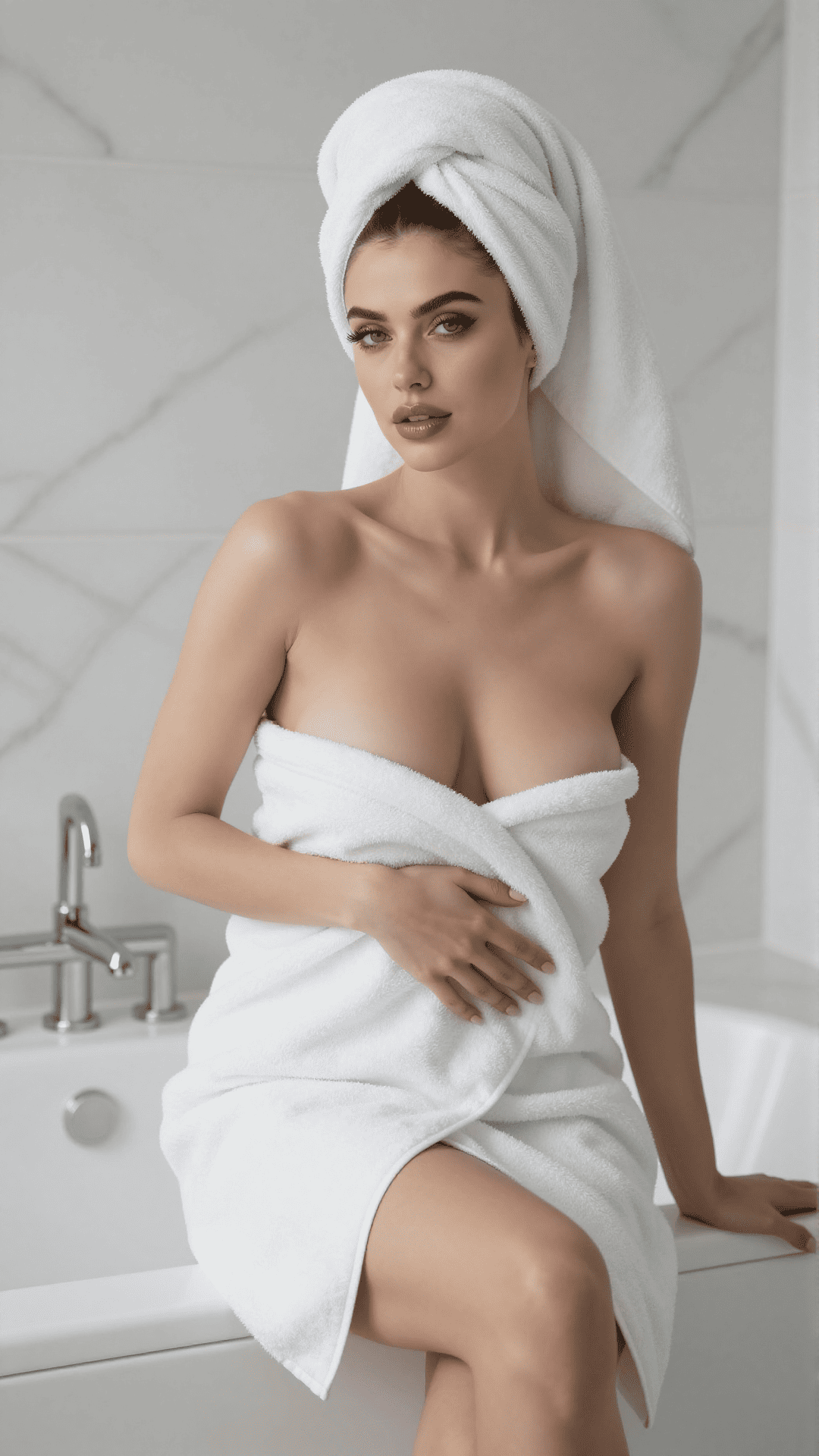
Keep the image you like. Change what moves.
Image-to-video works best when the source already has a clear subject, readable pose, and uncluttered composition. The motion prompt should describe only what changes after the first frame.
Motion prompt framework
Write for movement, not appearance
The image already defines the character. Use the prompt to direct expression, body action, environmental motion, and the camera instead of redescribing every visual detail.
Lead with one clear action
Try a focused instruction such as: she looks toward the camera, smiles softly, and brushes her hair behind one ear.
Add subtle environmental motion
Mention hair moving in a light breeze, fabric shifting naturally, or background lights flickering to make the scene feel alive.
Keep the camera move simple
A slow push-in, gentle handheld drift, or fixed camera is easier to keep coherent than several competing camera moves.
Turn an AI girl image into video in three steps
Upload a strong source image
Choose a sharp portrait or full-body image with a clear face, natural anatomy, and enough space around the subject for movement.
Describe the motion
Write one concise prompt covering the action, expression, environmental movement, and camera direction you want.
Generate, review, and refine
Create the clip, check identity and motion, then adjust one part of the prompt at a time if the result needs refinement.
Questions before you animate
Use a sharp image with one clear adult subject, a readable face, natural anatomy, and an uncluttered background. Images with cropped hands, overlapping limbs, or heavy blur can make motion less stable.
Usually no. The source image already establishes appearance. Focus the prompt on movement, expression, environmental effects, and camera behavior so the model has a clear animation goal.
Start with a clean source image and avoid prompts that ask for major changes to the face, outfit, pose, or camera angle at the same time. Small, coherent motion is more likely to preserve identity.
Yes. Describe a specific expression and one primary action, such as a soft smile with a slow head turn. Avoid stacking many unrelated movements into a short clip.
Yes. Simple directions such as slow push-in, gentle pan, fixed camera, or subtle handheld drift work well. One camera instruction per generation is the clearest starting point.
This page is dedicated to animating an existing image and always starts with an upload. AI Girl Videos also includes text-to-video for creating a scene without a source image.
Use the AI Girl Images tool to generate and download a source image, then return here to upload it and direct the motion.